Learning by Drawing
I wanted to learn OpenGL. Reading about projection matrices and vertex buffers only gets you so far. I needed to build something that actually puts pixels on the screen. A paint app felt like the right challenge. It needs real-time rendering. It needs a color picker. It needs tools that respond instantly when you move the mouse.
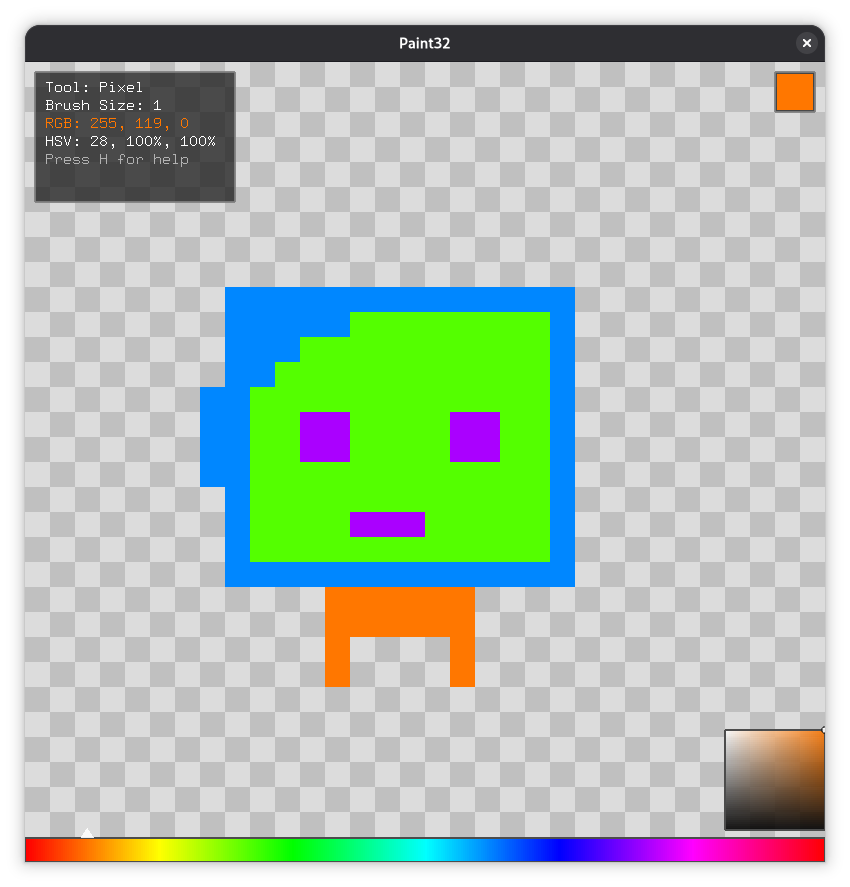
The canvas is a thirty-two by thirty-two grid. Small enough to feel manageable. Large enough to draw something recognizable. Each pixel is a quad drawn directly with OpenGL immediate mode. No shaders. No modern pipeline. Just vertices and colors.
The Canvas as a Graph
I did not store the canvas as a simple array. Each pixel is a node in a linked graph. Every node holds pointers to its four neighbors. North, south, east, west. This made flood fill feel natural. The algorithm walks from node to node following the pointers instead of calculating array indices.
The recursive brush expansion works the same way. A brush larger than one pixel spreads outward through the neighbor links, reducing its reach by one step at each hop. The same structure supports both tools.
The background draws as a checkerboard pattern to show transparency. Alpha blending is on. The canvas sits in an orthographic projection so coordinates map directly to pixels.
Filling with Color
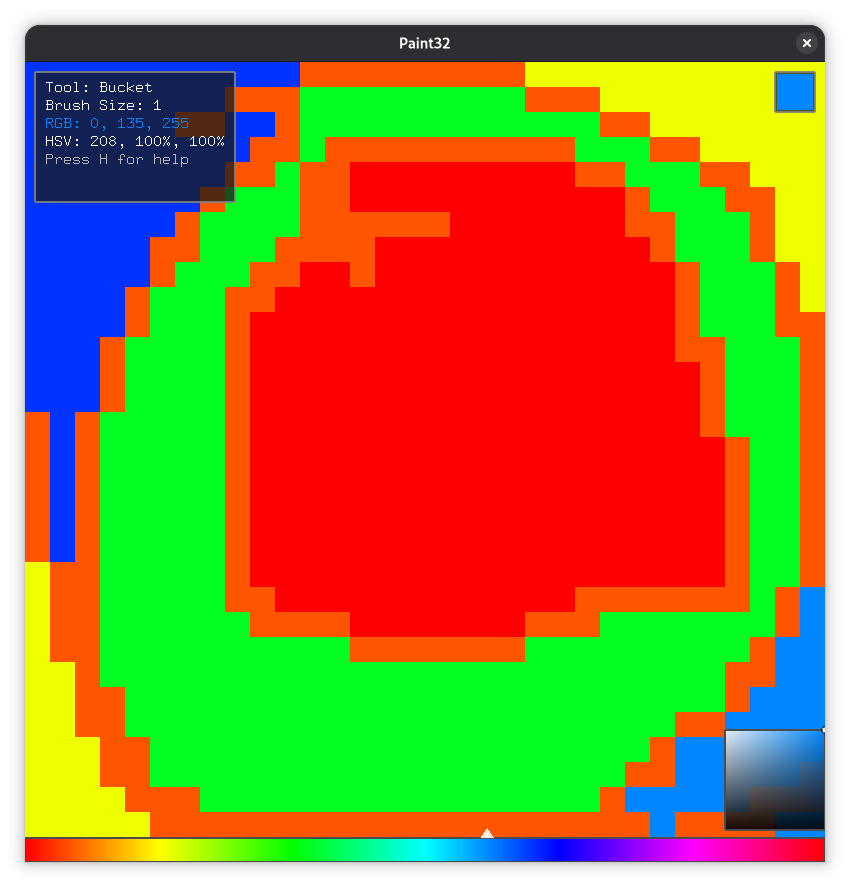
The bucket tool uses breadth-first search. A queue holds the nodes to process. A set tracks which ones have been visited. Each frame handles a batch of nodes so the UI does not freeze while the fill runs. I added a slow mode that delays between nodes so you can watch the fill spread across the canvas.
If the replacement color matches the existing color, the tool exits early. No point in filling a region with the same color it already has.
Picking Colors
I built a full HSV color model. Three hundred sixty degrees of hue. Saturation and value controls on top of that. You can scroll the mouse wheel to shift hue. Hold shift and scroll for saturation. Hold control and scroll for value. A spectrum bar at the bottom lets you click directly to a hue. A gradient square handles saturation and value together.
A small swatch in the corner shows the current color. The info panel in the top left displays the active tool, brush size, and both RGB and HSV values.
Drawing the Interface
Everything is hand-drawn with OpenGL immediate mode and GLUT bitmap fonts. No third-party UI library. The tool buttons, the color picker, the info panel, the help overlay. All of it is quads and text rendered by hand.
The tools are simple. A pixel brush. A flood fill bucket. An eraser on the right mouse button. A full canvas clear. The help overlay toggles with the h key and lists every shortcut.
What I Learned
OpenGL immediate mode is a different world from modern shader-based rendering. You call glBegin and glEnd and specify every vertex directly. The state machine model means you always need to know what is currently bound and what the last operation changed. Forgetting to reset a state causes bugs that show up three frames later.
I learned that graph-based structures can be more natural than arrays for certain problems. The linked grid made flood fill and brush expansion feel straightforward because the data structure matched the algorithm.
Real-time rendering teaches discipline. Every frame has a budget. Every draw call costs something. The best rendering code does the minimum work to get the right pixels on the screen.